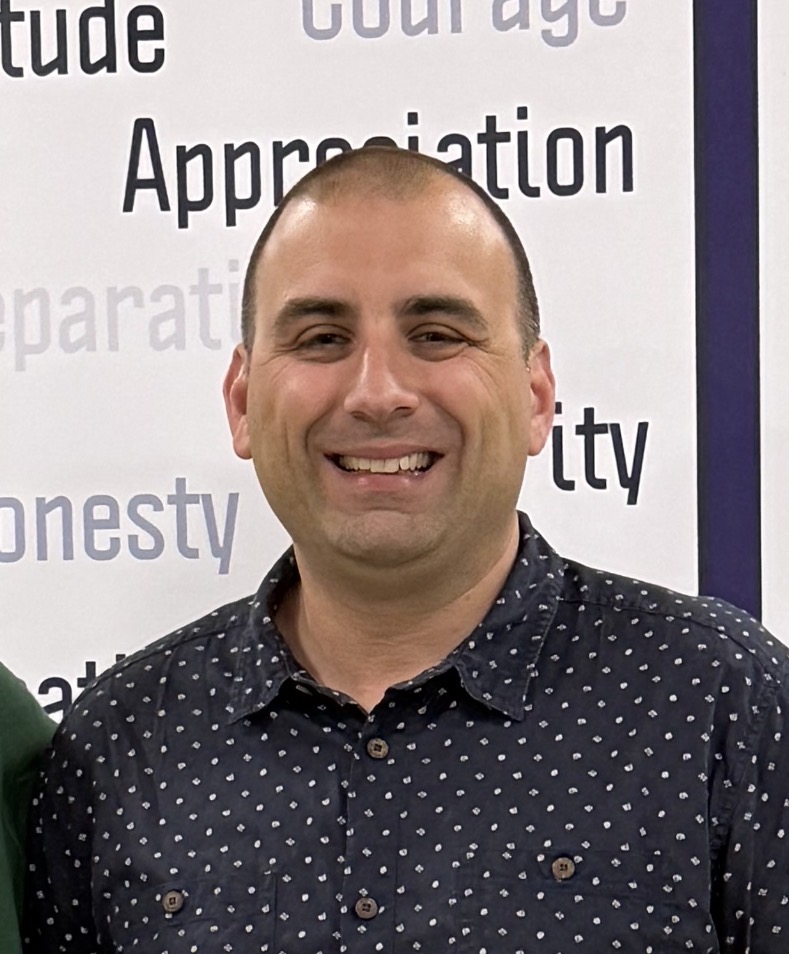
For most students, technology isn’t just a fun gadget. It’s a tool that makes learning easier and more efficient. From devices like Chromebooks to apps such as Google Classroom, there’s a wide variety of technology that enables better and more advanced learning. However, most kids don’t actually realize just how much technology has changed over time and what work goes into making these advancements actually happen. I’ve recently talked to Christopher Esposito, Director of Technology at a local area independent school, about his job and what role he plays in improving technology for both students and teachers.
Q: What types of technology do students and teachers at your school use?
A: First grade through eighth grade uses the Apple iPad. It’s a mix of Gen 9 and A 16 iPads. Students next year in the upper school will be using the new MacBook Neo.
So each student in ninth grade will get a MacBook Neo laptop, and they will keep it for four years, and they will take it to college when they graduate. All of our iPads are on a 1/5/9 program, so that means first grade, fifth grade and ninth grade get a new device, and that student keeps that device for four years. The faculty and staff have a mix of laptops and iPads.
Q: What are some programs that staff members at your school implement to improve learning?
A: The students use things like Notability. That’s a big one.
Students use that for note-taking. We use Canvas and Canva. We allow students to use the Google Suite, so we’re a Google school. Students have full access to Gmail, Google Docs, Google Sheets and Google Slides. Kids in our photography class and our yearbook class have full access to the Adobe Creative Cloud Suite, Photoshop, Lightroom, things like that. We allow our middle and upper school students access to AI, through Google Gemini, through education suite, so that is controlled by us.
Q: How does your school handle technology use (rules, protocols, etc)?
A: The lower school, which is grades one through five, do not take the devices home. They have an assigned device, but those devices have to stay in the classroom. Grades six through 12 however, are allowed to take the devices home each day to complete assignments and things like that. When a student enrolls, they have to sign a document called an AUP, which is an acceptable use policy, before they receive their device. So not only does the parent or caregiver have to sign that, but the student has to sign that as well. So in that document, there are certain rules that they have to abide by. If the student does not abide by those rules, and it has happened on occasion, they receive what is called an honor code violation. We would look at what’s being done and then contact the parents and deal with the student appropriately.
Q: How do you and your team incorporate technology into learning at your school?
A: I manage a team of six, so it’s myself as the technology director. I have a DBA, which is a database administrator. I have a cis admin who handles our networks. I have a technical support MLS, which handles your tier one calls, and we have two ed techs. The ed techs are the educational technologists. We have two of them and one does lower school, one does middle and upper school. Their job is to show teachers and students how to use the technology in the classroom. There’s certain standards that we have to abide by. National standards, national library association standard and an ISTI standard (Independent School Technology Association). Our techs work with our teachers when they do curriculum planning about how to incorporate technology and apps into the classroom, that’s grade appropriate.
Q: What are some things you would consider doing to make technology more accessible and fun for students?
A: So, right now, we’re actually working on planning a FabLab for the upcoming school year. FabLab is a true or profound provocation lab, like a maker space. So what that does is it gives kids the opportunity to do things like laser cutting, using a Cricut, 3D printing, things like that. All grade and age appropriate, but you can combine those with lessons that are done in the classroom to make learning more fun and help kids develop a passion. An example of it, a fifth grader is required to read. And one of the assignments at the end of the book might be, create something that’s 3D printed. This helps some summarize your book or create a t-shirt or create a button. This might get the kid to read, but it might get them to finish the book. It can also help unlock a passion for things such as 3D printing.
We have come a long way as far as advancements in technology across schools. I really enjoyed getting to speak with Esposito about what he does to help improve technology in his school and with students and teachers. It is fantastic to see all the improvements being made every day. Hopefully, technology in schools will continue to become better.